Separate three forms of AI work
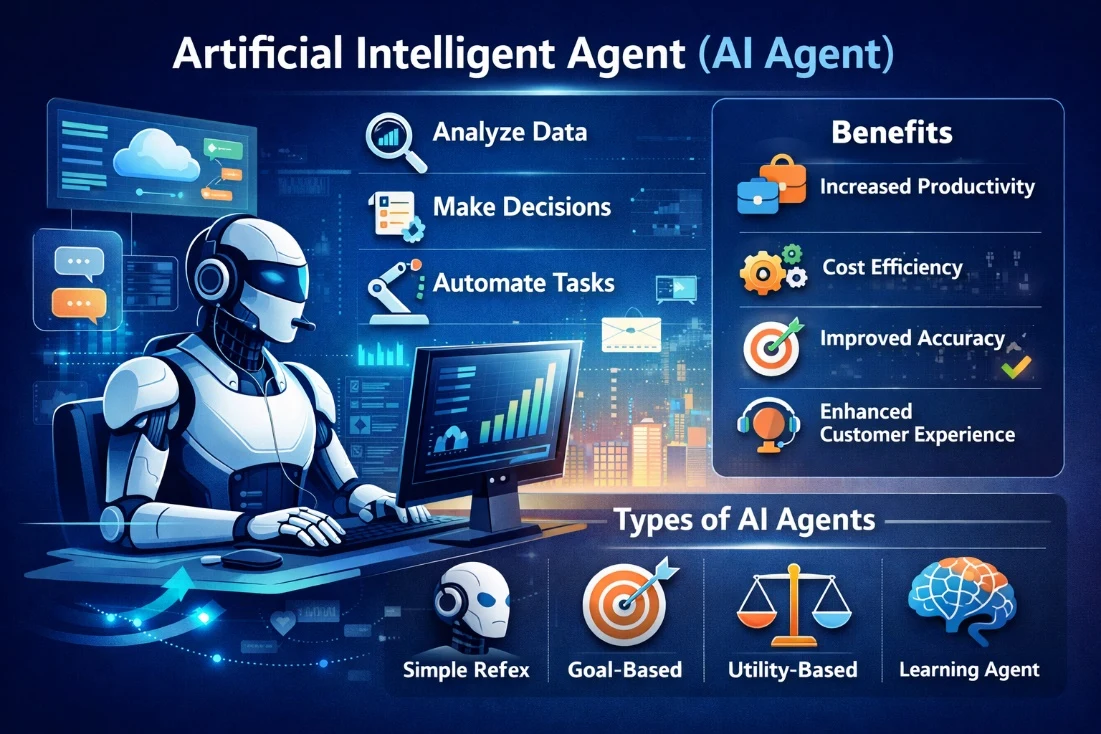
Agent assistance supports drafts, reply enhancement and recommendations. Workflow automation helps direct conversation work. Voice AI combines speech-to-text, language-model processing and text-to-speech. Voz360 supports these capability areas, but each needs a clear task, permissions and evaluation criteria before deployment.
Design for an accountable handoff
Choose a narrow scenario and define when the system should stop or escalate. Test incomplete information, contradictory customer history and requests beyond the allowed scope. Review output quality and the resulting record with service staff. Expanding autonomy should follow evidence that the bounded workflow behaves as intended.
Evaluate an out-of-scope request
Give the proposed AI workflow a request outside its intended authority, such as a decision requiring internal approval. Inspect the response and handoff. The system should be evaluated against the agreed boundary, and the team should document any behavior that needs correction before rollout.
Choose a bounded voice AI job
A Voice AI agent processes spoken input, uses configured reasoning and generates a spoken reply. In Voz360, the voice approach combines speech-to-text, an LLM and text-to-speech. Useful customer-service scope starts with an identifiable task and an explicit boundary: answer a routine question, gather permitted information or route to a person when the situation requires one.
For an illustrative appointment enquiry, the agent may clarify the request and explain an approved process. Reading or changing an appointment requires confirmed integration access and permission. Do not equate conversational fluency with authority to perform every action.
Design human handoff as a normal outcome
| Situation | Intended handling |
|---|---|
| Customer asks for a person | Follow the configured human handoff path |
| Identity or intent remains unclear | Clarify within the agreed limit, then escalate |
| Request exceeds permitted scope | Explain the boundary and route appropriately |
| External service is unavailable | Avoid inventing an outcome; use the fallback |
| No human is available | Explain the agreed alternative and next step |
Preserve the reason for escalation, verified details and outstanding action for the human agent. The customer should not have to repeat information already captured appropriately. Test interrupted speech, background noise, corrections and a change of language expectations in the actual operating environment; do not promise universal recognition quality.
Run a pilot with inspectable evidence
Use synthetic test conversations before a bounded live pilot. Review transcription errors, unsupported answers, requested handoffs and incomplete actions. Measure successful task completion and avoidable repeat contact alongside transfer rates. A low transfer rate can be a warning if the AI refuses necessary escalation.
Review the Voice AI product and human-handoff solution together. Phone and web deployment, integrations, permitted actions and escalation availability should be confirmed explicitly for your rollout.
Your practical checklist
- Define permitted actions
- Test incomplete context
- Set escalation conditions
- Review human corrections
Use this checklist in a workflow review with your agents, supervisors and implementation owners. Record what the team demonstrates, which decisions need an owner and what remains to be confirmed for your deployment.
Published by the Voz360 Editorial Team using the product scope supplied by the product owner. Scenarios, worksheets and diagrams are illustrative; they are not customer results or application screenshots. Configuration, carrier services, integrations and commercial terms are scoped for each deployment.