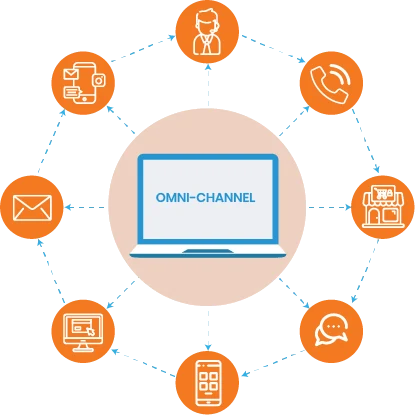
Build context across contact sources
Voz360 brings email, SMS, social, messengers, chat and portal-based work into conversations, with Customer360 across service records. Define how the team recognizes related requests and when linking or merging is appropriate. Keep separate issues distinct even when they belong to the same customer.
Keep ownership visible across teams
Use notes, properties, checklists and approvals to record what must happen next. Test a customer switching channels while an internal investigation is open. The receiving team should be able to explain the status and the owner of the next update without restarting the request.
Inspect related but different issues
Use a sample customer with an account question and an unrelated service complaint. Demonstrate how agents see the common customer context while retaining appropriate issue ownership. This helps the team define when linking is useful and when merging would make the service record less clear.
Your practical checklist
- Test a channel switch
- Define record relationships
- Inspect investigation status
- Confirm update ownership
Use this checklist in a workflow review with your agents, supervisors and implementation owners. Record what the team demonstrates, which decisions need an owner and what remains to be confirmed for your deployment.
Published by the Voz360 Editorial Team using the product scope supplied by the product owner. Scenarios, worksheets and diagrams are illustrative; they are not customer results or application screenshots. Configuration, carrier services, integrations and commercial terms are scoped for each deployment.