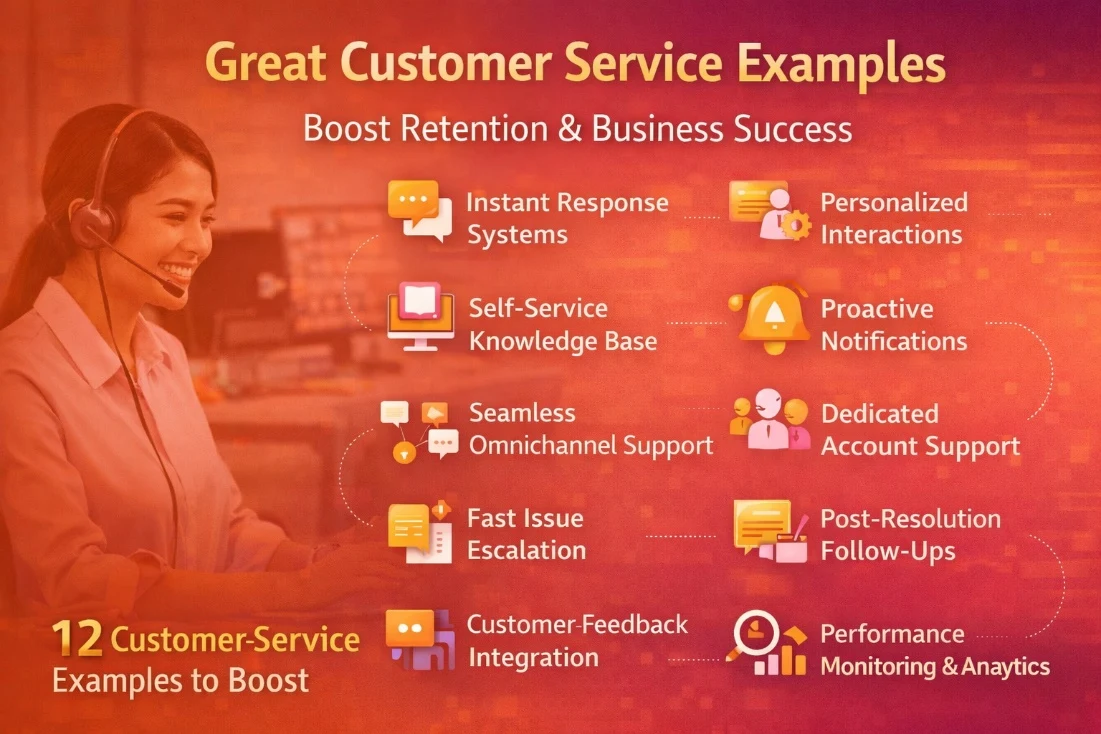
Six everyday service journeys
Demonstrate an email question, a WhatsApp follow-up, a live-chat handoff, a voicemail callback, an account update and a request requiring a custom form. In each case, identify the conversation owner and inspect the customer's related history. These scenarios test intake and context rather than presentation alone.
Six complex service journeys
Then test a duplicate-case merge, a linked investigation, a parent-child request, an internal approval, a cross-team transfer and a quality review. Voz360 supports these conversation and quality capabilities. For each scenario, ask who can make the change, what history remains and how the customer receives the result.
Score examples consistently
Use the same observation sheet for all twelve workflows: entry point, receiving owner, available context, required action and resulting record. Note configuration gaps as you go. This makes an everyday question and a complex investigation comparable without pretending they require identical handling.
Prepare cases before the demonstration
A useful product demonstration starts with an operating question. Select a routine request, an exception requiring another team and a repeat contact from a different channel. Use synthetic customer details and realistic decisions; a prepared happy-path tour will not reveal every implementation dependency.
Give the demonstrator expected outcomes rather than prescribing every click. Identify the customer-visible result, the owner, the required record and the supervisor evidence for each case. Make your security and approval constraints clear at the start.
Use a compact demonstration script
- Create a request from a channel your team actually supports.
- Find the correct customer and relevant earlier interactions.
- Capture required information and assign responsibility.
- Transfer or request approval without losing the next action.
- Review an AI suggestion against the source history.
- Complete the response and locate the operational evidence.
Repeat one step with missing data or an unavailable specialist. Record the workaround and who would maintain it. Separate a live capability from a proposed configuration or integration that still needs delivery work.
Leave with a decision log
Mark each requirement demonstrated, configuration needed, integration dependent or unconfirmed. Assign an owner to unresolved items and retain the evidence behind the rating. Ask for package and module boundaries before comparing proposals.
Bring these cases to a Voz360 workflow demo. The outcome should be a short acceptance backlog that operations, IT and procurement can review together, rather than a feature count detached from the work your agents perform.
Your practical checklist
- Test six everyday journeys
- Test six complex journeys
- Inspect permissions
- Verify the recorded outcome
Use this checklist in a workflow review with your agents, supervisors and implementation owners. Record what the team demonstrates, which decisions need an owner and what remains to be confirmed for your deployment.
Published by the Voz360 Editorial Team using the product scope supplied by the product owner. Scenarios, worksheets and diagrams are illustrative; they are not customer results or application screenshots. Configuration, carrier services, integrations and commercial terms are scoped for each deployment.