Follow an inbound and an outbound interaction
Inbound work needs routing, a receiving agent, transfers and follow-up. Outbound work needs a suitable dialing method and a clear campaign process. Voz360 supports inbound operations and manual, preview, progressive, power and predictive dialing, allowing the calling approach to match the task.
Connect calling to management
Supervisors need real-time visibility and reports; agents need relevant customer context and CRM access. Optional transcription, AI recommendations and call quality scoring can support coaching. Ask the team to demonstrate these functions against the same interaction so the record remains understandable after the call ends.
Connect a missed call to follow-up
Include an unanswered interaction or voicemail in the demonstration. Ask how the team finds the work, identifies the customer and assigns the next action. This reveals whether the operation supports service recovery as well as conversations that an agent answers immediately.
Understand the three layers of the work
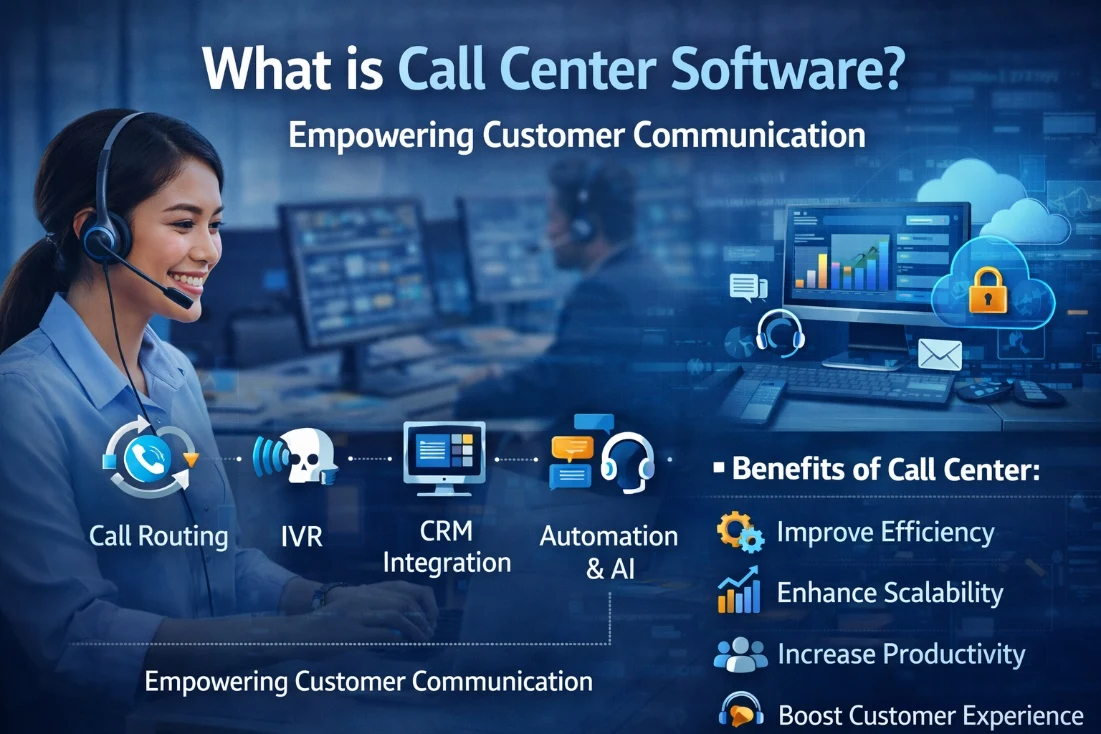
Call center software helps teams receive or place calls, organize agent activity and supervise the operation. A PBX provides the business telephony foundation; contact center workflows add queue and campaign operations. Customer service may continue beyond voice through conversation ownership, messaging and a shared customer record.
Choose the layer that matches your problem. A business needing extensions and everyday calls has different requirements from a team running outbound campaigns or handling a complaint across several channels. More modules do not automatically create a better fit.
Follow an inbound request through the system
A customer enters the appropriate call route, reaches an agent and explains a service issue. The agent checks relevant context, records required details and either resolves the request or assigns a next action. A supervisor can then review both call activity and the resulting work.
An illustrative failed-payment case makes the distinction clear: answering the call is a telephony event; investigating the payment and communicating the finding is service work. Demonstrate both stages if your team is accountable for resolution.
Translate the definition into requirements
List inbound volume patterns, outbound needs, operating hours, customer channels and required integrations. Add supervision, quality and staffing needs separately. Ask which package covers each requirement and which modules or providers are additional.
Compare PBX, Voice and Omnichannel packages using this workload. Confirm the actual workflow in a demonstration instead of assuming every product described as call center software covers the same operating scope.
Your practical checklist
- Run one inbound call
- Run one outbound task
- Inspect supervisor visibility
- Review the resulting record
Use this checklist in a workflow review with your agents, supervisors and implementation owners. Record what the team demonstrates, which decisions need an owner and what remains to be confirmed for your deployment.
Published by the Voz360 Editorial Team using the product scope supplied by the product owner. Scenarios, worksheets and diagrams are illustrative; they are not customer results or application screenshots. Configuration, carrier services, integrations and commercial terms are scoped for each deployment.