Define the carrier requirements
Document inbound numbers, outbound destinations, expected concurrency and caller identity requirements. Ask providers to explain coverage, routing, support escalation and usage charges. Number availability and service terms vary. A carrier quote should state the actual scope instead of imply universal international coverage.
Validate the connection to customer service
For a Voz360 voice deployment, test inbound routing, outbound presentation and failure behavior with the selected telephony setup. Keep carrier diagnostics separate from agent performance reporting. The carrier handles connectivity; the service platform manages the interaction and its operational context.
Compare a peak-period calling mix
Supply a sample mix of simultaneous inbound calls and outbound destinations to each carrier. Ask for the exact availability, charging model and escalation process. Run the corresponding call tests with the deployment team before treating the quote as a complete connectivity plan.
Compare connectivity obligations before rates
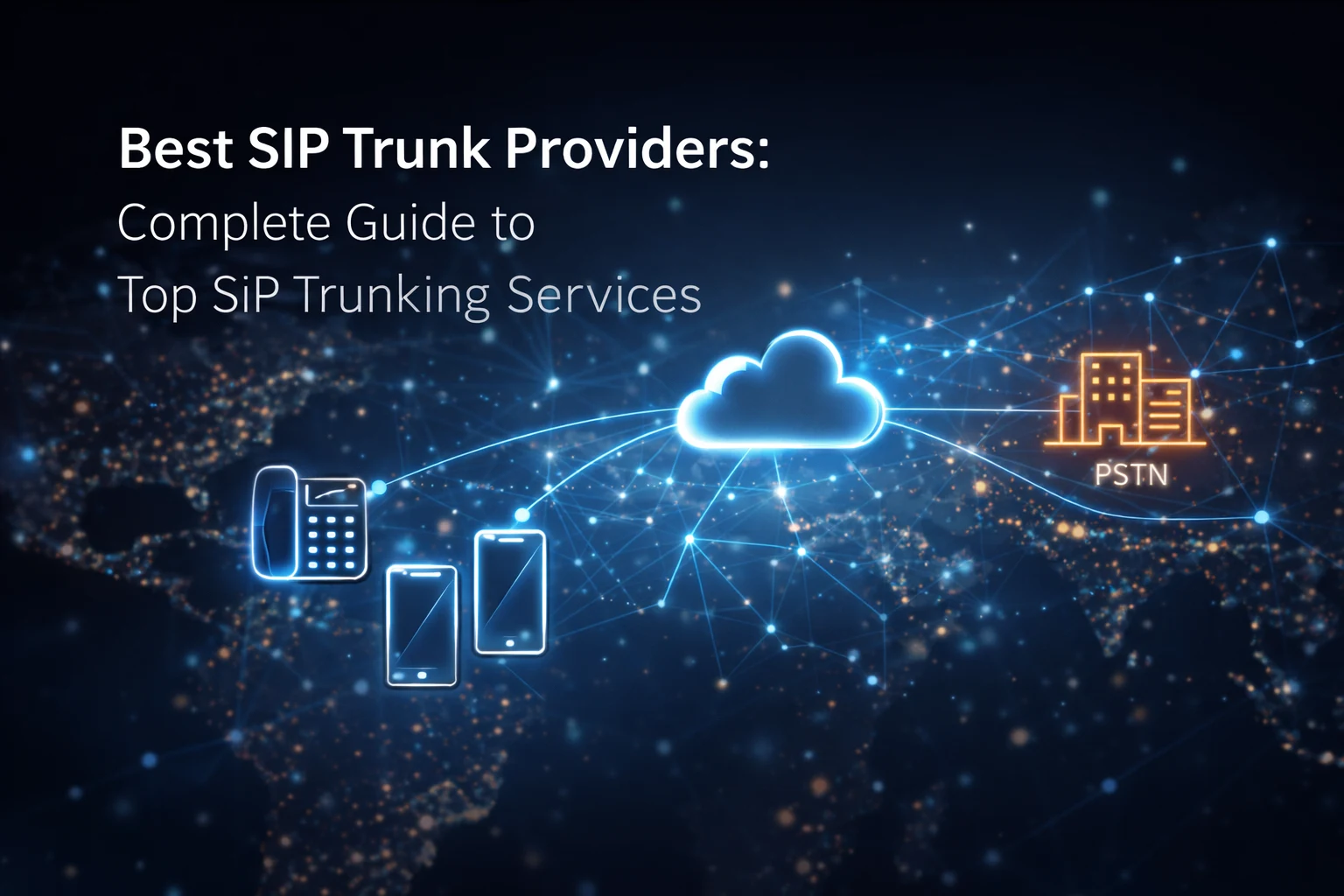
SIP trunking connects a telephony environment with provider voice services. For a contact center, the practical questions include number availability, concurrent capacity, inbound and outbound use, supported destinations and fault ownership. Voz360's Voice/PBX capability does not make every carrier or country arrangement interchangeable.
Ask each provider for written confirmation of the locations, number types and traffic pattern in your proposal. Include porting requirements and existing number ownership. A low advertised rate does not establish that your actual destinations, capacity and service obligations are covered.
Use a provider-neutral test sheet
Test inbound reachability, outbound caller identity, transfer behavior, audio in both directions and the required failure path. Use the intended network and actual supported endpoints. Record time, route and call identifiers so problems can be investigated by the responsible party.
Include a busy period and a connectivity interruption in the acceptance plan. Distinguish carrier availability from local internet failure or application routing. Agree who investigates first and how evidence moves between your team, the carrier and the application provider.
Build a comparable cost model
Separate recurring numbers, capacity, usage, installation, porting and any support charges. Model your representative destination mix rather than using a single headline rate. Confirm billing increments and relevant restrictions directly with the provider.
Use Voice and PBX as the application requirements context. This guide provides a comparison method, not a ranked list of verified carriers or a promise of universal international coverage.
Your practical checklist
- List numbers and destinations
- Confirm concurrency
- Test caller presentation
- Agree fault escalation
Use this checklist in a workflow review with your agents, supervisors and implementation owners. Record what the team demonstrates, which decisions need an owner and what remains to be confirmed for your deployment.
Published by the Voz360 Editorial Team using the product scope supplied by the product owner. Scenarios, worksheets and diagrams are illustrative; they are not customer results or application screenshots. Configuration, carrier services, integrations and commercial terms are scoped for each deployment.